Construction QA teams already had inspection plans. The problem was that those plans lived in PDFs and spreadsheets, while Visibuild needed structured templates. Rebuilding them meant reading every requirement, interpreting the document, and entering it again by hand.
Visi AI turned that conversion into a review workflow: upload an ITP PDF, receive a structured draft, check the extracted steps and requirements, then edit and publish.
I led the product design from problem framing through the upload, generation, and review flow. I worked with a Product Manager to shape the scope and with engineering through build and iteration.
The problem
Templates were either rebuilt by hand in the product or passed to customer success for conversion through spreadsheets and admin tools. Both paths repeated information that already existed and introduced room for interpretation errors.
Small differences between source documents could produce inconsistent templates. Large projects amplified the problem with dozens of templates and frequent revisions.
We mapped the existing customer and customer-success workflows before choosing a solution. The goal was deliberately narrow: translate an existing inspection document into Visibuild's structure accurately and quickly.
Translate, not invent
The central product decision was to make the AI translate, not invent. It could restructure the customer's source document, but it could not silently become the authority on what an inspection required.
That decision shaped the interaction. Generation produced an editable draft, the source remained the reference, and a person approved the result before it became operational. Speed was useful only if the workflow preserved accountability.
The solution
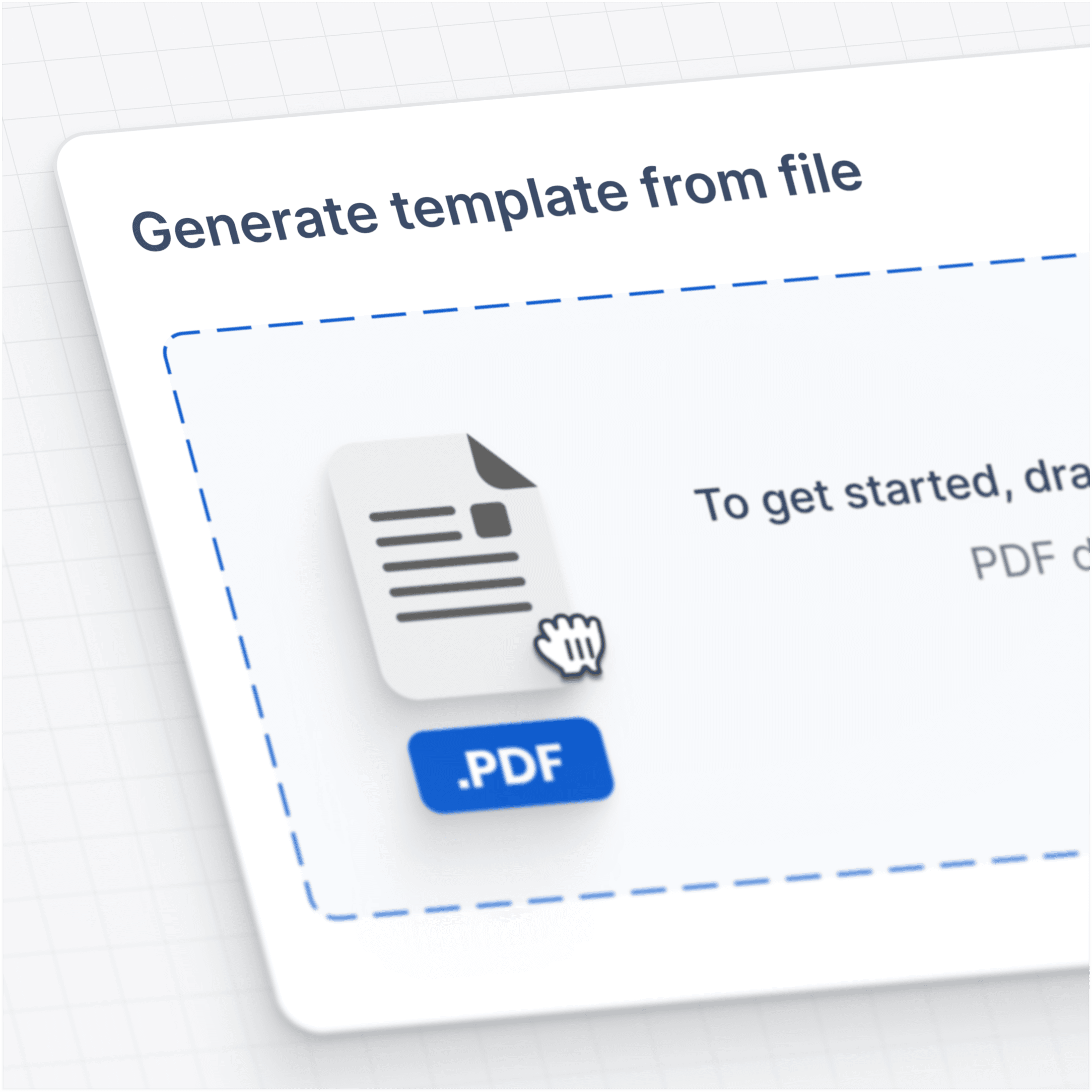
Users upload an ITP PDF and generate a template in one step.
The draft includes a template title, step titles, descriptions, requirements, step types, and relevant metadata. Everything remains editable before publishing. Once approved, the template is ready to use in inspections.
The system is grounded in real inspection data from across Visibuild. That grounding helps it recognise what a good inspection template looks like in practice.
Designing for uncertainty
The draft model gave users a safe place to check the output before it affected live inspections. Generated fields stayed editable, and publishing remained a deliberate human action.
This was the trust model we could verify in the shipped flow: generated content stayed editable, and the user made the final publishing decision. More detailed confidence and recovery patterns would need their own product evidence.
Early adoption
The clearest early adoption signal was repeated use. The feedback channel showed templates being generated day after day across active projects, replacing manual setup work for both customers and customer success.
The release established that teams would use an AI-generated draft inside a controlled review flow. It did not yet quantify time saved or output accuracy, so those remain open measures rather than claimed outcomes.
What I carried forward
This project changed the question I ask about AI features. I no longer start with "what can the model generate?" I start with "what decision can the system accelerate, what evidence does a person need, and where must they remain in control?"
Visi AI worked best when it behaved less like an author and more like a fast first pass through domain material.